Skip to product information
1 of 15

Flux - Parallel Cable | WHITE Multi Point Splitter 2,3,4+ way | in Feet

Flux - Parallel Cable | WHITE Multi Point Splitter 2,3,4+ way | in Feet

SKU:FLUX-parallel-WHITE-2way_3inch_3inch

Regular price €30,95 EUR
Regular price Sale price €30,95 EUR
Sale Coming Soon!
Taxes included. Shipping calculated at checkout.
Control Box
>
Cut LightStrip
Cut LightStrip
?
Other Cables
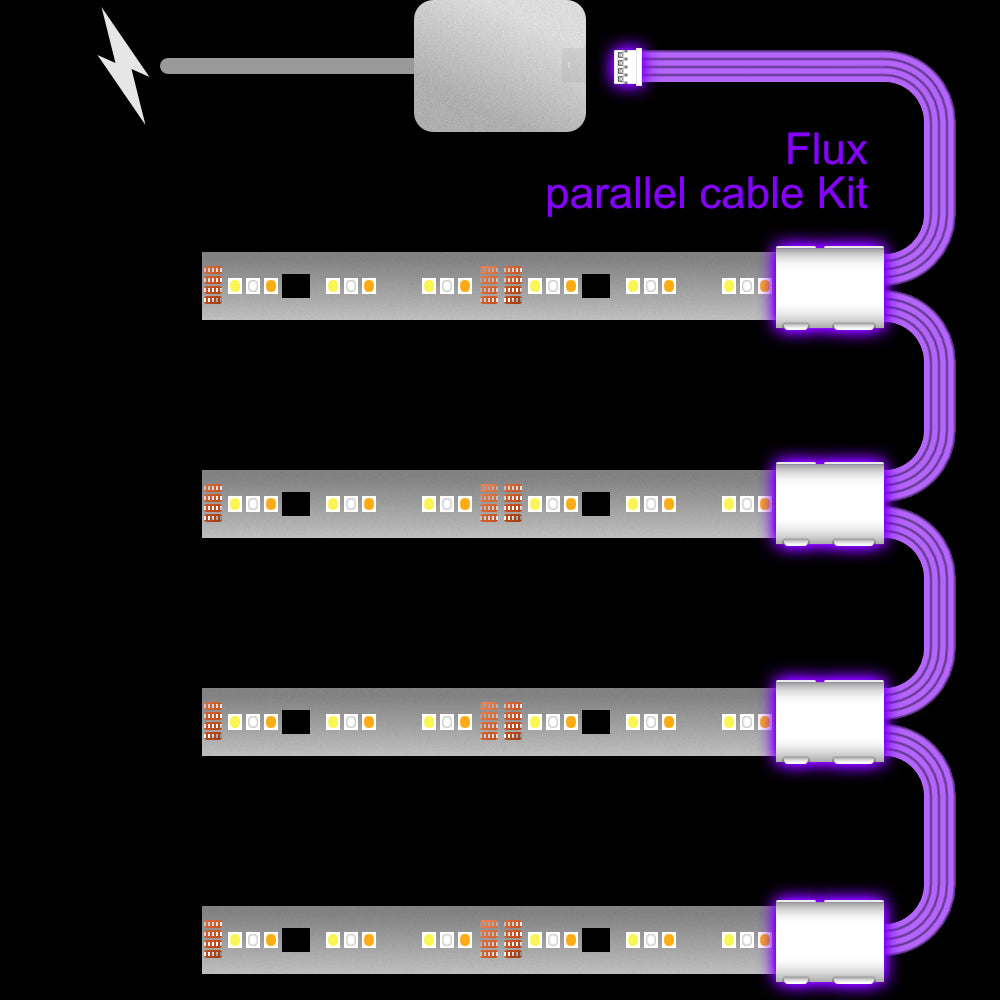
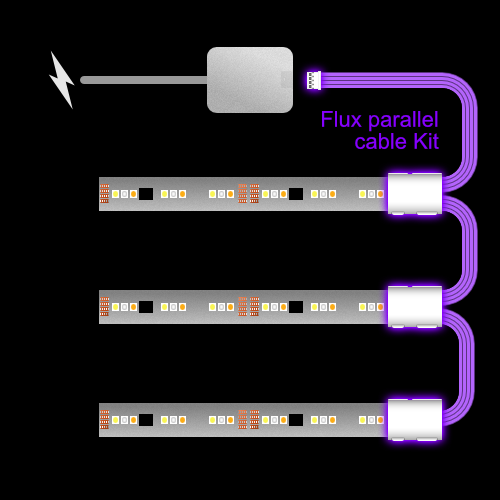
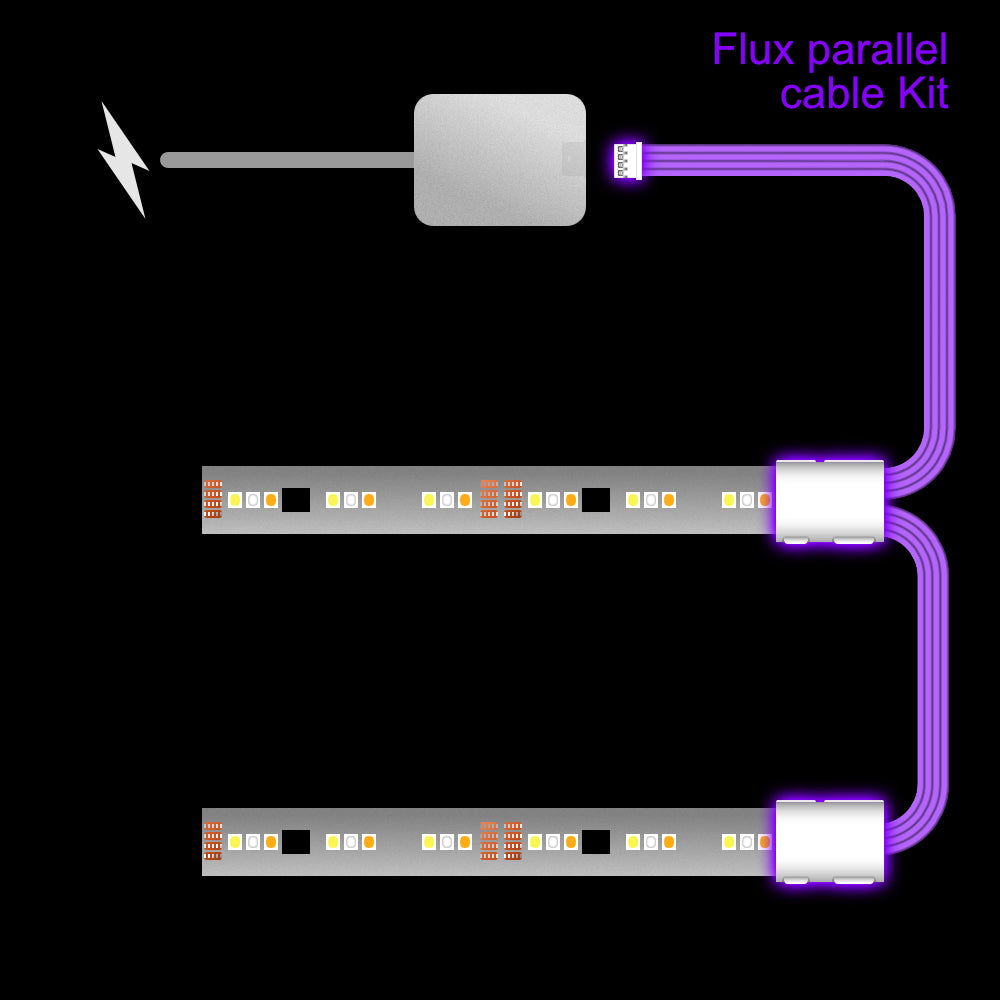
This is a custom-made Parallel Cable for the Philips Hue Flux LightStrip. It lets you run several Flux LightStrip sections in parallel from the same Control Box. Each cut section of LightStrip clips into a snap connector, all on one cable, plugged into one Control Box.

You can choose how many Extension LightStrips you want to connect, the length to the first LightStrip, and the length between each LightStrip after that.

There are many ways to use these. For example, you may want to light under several shelves.

The gradient is set by the longest LightStrip, and the other LightStrips mirror it. Each LightStrip starts at the same colour and runs in parallel with the others. A shorter LightStrip will only show the matching part of the gradient.

This cable is made with the correct connectors for the Philips Hue Flux LightStrip system, for perfect performance and lasting reliability.
Dimensions
< Choose the Length >
These cables are made to order, to your exact length. If the length you need isn't in the options, just choose the next length up and let us know your exact measurement.

Unlike other Philips LightStrips, which are controlled by power to each of the five LED colours, Flux LightStrips are controlled by data. Because power is delivered through a single core, resistance can affect performance. This is why the cable lengths are more limited than for other LightStrips. Please don't join cables together, as the longest length on offer is the longest that will work without issues.

All of the cables work, but if they're too long for the setup, they create too much resistance, which can make the LightStrip flash or blink at random. In our tests, the combinations shown with a tick work well, and those with a cross will flicker. The cable length is the combined length of all the sections of parallel cable.
⚠️ Length compatibility chart
Standard Flux LightStrip
LightStrip Length
Cable Length
Flux Ultra Bright LightStrips
LightStrip Length
Cable Length
There's no exact formula for what will and won't work in every setup. This is why you can return these free of charge if they don't suit your particular needs.
Fitting Instructions
1. Please switch off the LightStrip at the wall before plugging these cables in. The Control Box calibrates to new cables and Extension LightStrips when it's powered on, so it knows how far to spread the gradient.

2. Where it suits your setup, cut the LightStrip straight across the cut line.

3. Make sure the snap connector is on its back, with the curved side facing down.

4. Open the small clip (the one with the small LED symbol).

5. Push the upside-down LightStrip onto the connector, taking care that the pins don't go under the contacts on the LightStrip. Most of the time it will go on without any issues. Occasionally, it may need reseating.

6. Close the clip with a firm snap.

Unlike 6-pin LightStrips, 4-pin LightStrips only work in one direction. You can tell which way round by the larger black chip, which sits towards the end of each cut section. The start of each section doesn't have this chip. For this cable, make sure each snap connector is fitted with the black chip furthest away.

7. Plug the small female end into the Control Box.

8. When your setup is complete, plug the LightStrip back in. The LightStrip will calibrate, and you should see the connected sections light up. If a section doesn't work, the snap-on connector may need reseating. Please power off at the wall before doing that. Once it's all done, sit back and bask in the light.

If you're having trouble, follow these troubleshooting steps →
Compatibility
There are now many versions of the Philips Hue LightStrip, and many of them use different connectors. Most versions have two different-sized connectors: the Control Box socket and the LightStrip extension connector. That makes three different point-to-point cable combinations for each version, so dozens of combinations in total, plus splitters, all for different purposes.

As all of our cables are made to order, please double-check the diagrams and description before purchasing, to be sure this cable is compatible with your LightStrip, setup and needs.


View full details